· 15 min read
Best Workout Apps for Busy Parents in 2026

Colin Raney
Co-founder & CEO of Ray, NASM-CPT · Evidence reviewed May 11, 2026
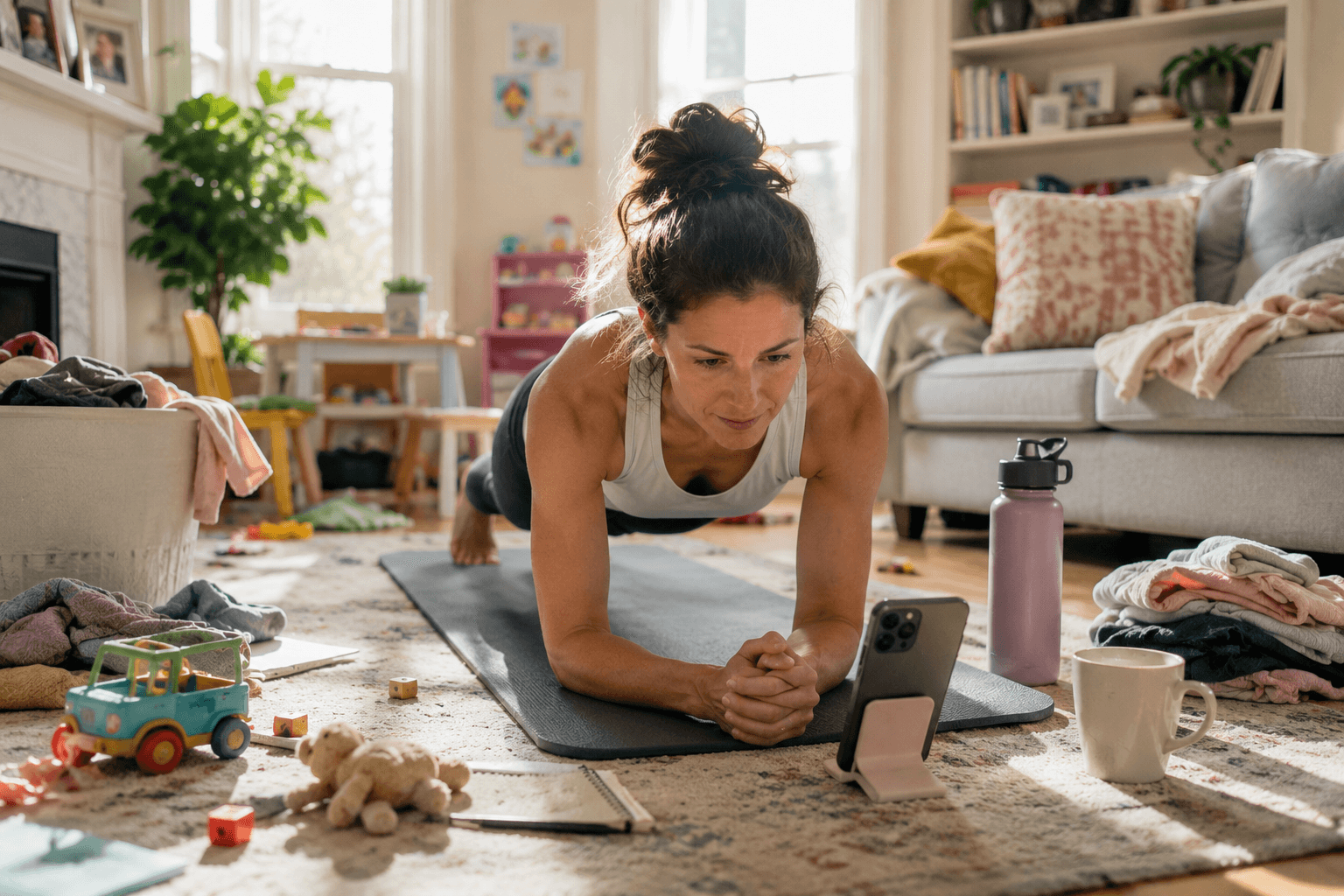
The best workout app for busy parents is not the one with the biggest exercise library. It is the one that makes the next workout obvious, fits into short and unpredictable windows, works at home or in the gym, and helps you restart after missed days. If your schedule changes constantly, put interruption tolerance and low decision load ahead of variety. A 20-minute workout you actually start beats the perfect 45-minute plan you keep postponing.
Most busy parents do not need more workout choices. They need a workout system that survives real life: daycare pickup, bedtime delays, sick kids, work calls, and the days when your only opening is a small gap in the living room.
That is the lens for this list. A parent-friendly app should reduce the number of steps between opening the app and starting the first set. It should also make missed days feel recoverable. The test is simple: would this app still work on an ordinary Tuesday when the schedule has already gone sideways?
Imagine you have 18 minutes before school pickup, one pair of dumbbells, and a child playing in the room. The best app is not the one with 800 workouts. It is the one that can answer, quickly: what should I do right now, with the time, equipment, and attention I actually have?
Quick picks
Need | Best fit | Why it fits busy parents | Watch-out |
|---|---|---|---|
App picks today’s workout | Ray | Low-choice coaching for short windows | Not for huge video libraries |
Gym strength plan | Fitbod | Good equipment-based lifting | Logging adds work |
Free workout library | Nike Training Club | Fast, broad, no-cost videos | Less personalized |
Apple-friendly classes | Apple Fitness+ | Polished videos and Watch sync | Limited schedule adaptation |
Instructor motivation | Peloton App | Energetic short classes | Mostly fixed sessions |
Human accountability | Future | Real coach check-ins | Expensive and less instant |
AI-generated variety | Freeletics | Broad training styles and locations | Setup choices add friction |
How we evaluated parent-friendly workout apps
For this article, we looked at workout apps through a parent-life lens, not a generic “best fitness app” lens. A good parent-friendly app should do well on five things:
- Interruption tolerance: can the workout survive a kid walking in, a work call, or a shortened time window?
- Time-window flexibility: does it work in 5, 10, 15, 20, and 40 minutes, or does it quietly assume a full session?
- Home/gym flexibility: can the plan work with bodyweight, dumbbells, or a gym depending on the day?
- Mental load to start: does the app tell you what to do, or does it make you browse, compare, choose, and customize?
- Progress after missed days: does a missed workout break the plan, or can the app help you resume without guilt?
We also used Colin’s hands-on observations across Fitbod, Nike Training Club, Apple Fitness+, Peloton, Future, and Freeletics, plus Ray usage data reviewed for this article. Ray usage data is first-party product evidence. It should be read as evidence about Ray members, not as a universal fitness claim.
Price, platform, and source snapshot
Last reviewed: May 11, 2026. Prices and platform notes change, so we linked to official pages instead of treating this table as permanent pricing advice.
App | Starting point checked | Platforms | Best parent use case | Source |
|---|---|---|---|---|
Ray | $19.99/month with first week free | iOS | Low-decision workouts in short windows | |
Fitbod | Subscription pricing varies by plan | iOS, Android | Gym strength plans and muscle-group tracking | |
Nike Training Club | Free app/library | iOS, Android | No-cost class library | |
Apple Fitness+ | Apple subscription | Apple ecosystem | Polished video classes for Apple Watch users | |
Peloton App | Subscription pricing varies by tier | iOS, Android, web, TV devices | Instructor energy and class variety | |
Future | Human-coach subscription | iOS, Android | Human accountability and coach check-ins | |
Freeletics | Subscription pricing varies by plan | iOS, Android | AI-generated workout variety |
Competitor experience notes
App | Parent decides | 15–20 min fit | Missed days | Phone attention | Best at | Wrong for |
|---|---|---|---|---|---|---|
Fitbod | Time, equipment, focus | Yes | Single-workout reset | High: every set | Gym lifting | Parents needing motivation |
Nike Training Club | Which class fits | Yes, with browsing | Class by class | High: screen-led | Free home videos | Custom programming |
Apple Fitness+ | Which class fits | Yes, with browsing | Class by class | High: screen-led | Polished Apple classes | Adaptive planning |
Peloton App | Which class fits | Yes | Class by class | High: screen-led | Instructor energy | Custom programming |
Future | Coach plan timing | Less suited | Coach-supported | Medium/high | Human accountability | Unpredictable schedules |
Freeletics | Time, gear, style, focus | Yes, after setup | Limited auto-adjustment | Medium/high | AI-generated variety | Low-friction starts |
1. Ray: best for low-decision workouts
Ray is the best fit for parents who want the app to remove the planning burden. Its advantage is not that it offers the most workouts. It is that it can tell you what to do, coach you through the session, and help the plan bend around the day you actually have.
This matters because a lot of parent workouts fail before the first rep. You open an app, scan a library, wonder whether today should be strength or cardio, check whether you need equipment, and then the 15 minutes you had are gone. Ray is built around a different habit: start with the available window, get a clear workout, and have coaching in your ear while you move.
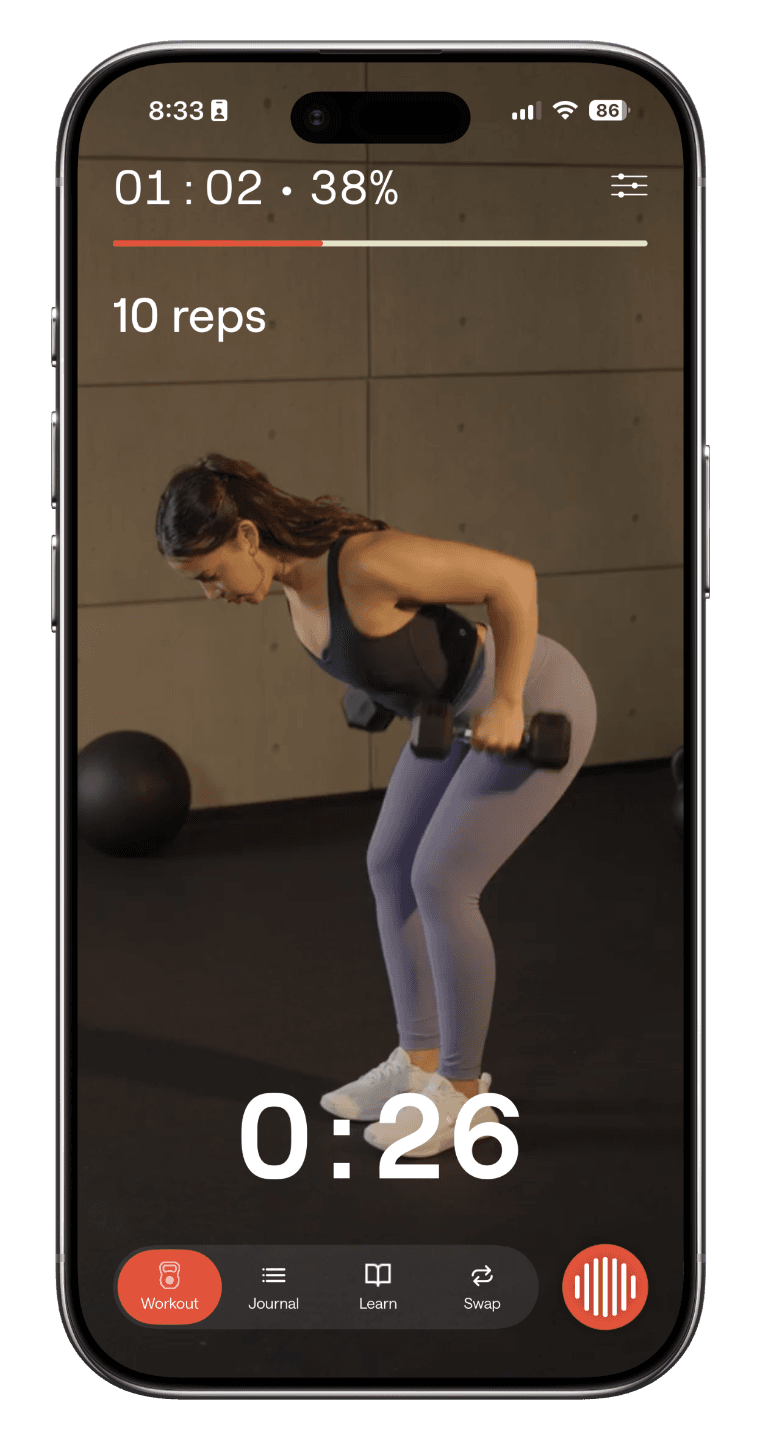
Ray usage data reviewed for this article shows that in the last year, 1 in 4 Ray workouts — 26% — were completed in 20 minutes or less. That matters for parents because fitness often happens in scraps of time. Ray also sees busy parents using traditional before-work and after-work windows, along with short daytime gaps. Colin noted that many 15- and 20-minute workouts happen during the day, including work-from-home parents exercising in the living room while a child plays nearby.
Parents aren’t lazy — they’re stuck with apps built for people who have a gym and 45 minutes to spare. When the routine doesn’t fit a parent’s life, they quit. We built Ray to flex around you: short sessions, no gym, a trainer that adapts to the time you actually have.
Ray is especially strong when the bottleneck is starting. If you already know exactly what to do and simply want a spreadsheet-style lifting log, Ray may be more coaching than you need. But if your problem is “I finally have 20 minutes and do not want to make another decision,” Ray is built for that moment.
Best for: parents with unpredictable schedules, people restarting after inconsistent months, users who want guided coaching, and anyone who wants a clear workout without building a plan manually.
Not for: people who mainly want browseable video classes, athletes with highly specialized programming needs, or users who prefer fully self-directed training logs.
How to get started with Ray
If your main constraint is decision fatigue, short windows, or restarting after missed days, start with the Try Ray free for 1 week. It is a lower-commitment first step than downloading another app cold, and it helps map your schedule, equipment, and goals before you try a workout.
Ray is not the best choice if you mainly want a huge video class library, celebrity instructors, cycling classes, or a spreadsheet-style lifting log. It is strongest when the problem is deciding what to do right now and getting coached through the session.
2. Fitbod: best for gym strength plans
Fitbod is a strong option for parents who already know they want strength training and have access to gym equipment or adjustable home equipment. It builds workouts around available equipment, training history, and muscle recovery, which makes it more plan-driven than a simple class library.
For busy parents, Fitbod’s strength is programming. If you get to the gym at 6:10 a.m. and do not want to invent a workout, Fitbod can give you a structured session. It is especially useful for people who like tracking sets and reps, want progressive overload, and are comfortable with a traditional lifting workflow.
The tradeoff is that Fitbod still asks you to make several choices before and during the workout: duration, equipment or location, workout focus, and set-by-set logging. That is fine for motivated lifters. It can be too much when the real problem is not programming knowledge, but the mental effort of starting after a long day. Fitbod can fit a 15- to 20-minute window, but it works more like a single-workout strength tool than a parent-life system for motivation, scheduling, and missed-day recovery.
Best for: gym-based strength training, progressive lifting, equipment-aware plans, and users who like tracking.
Not for: parents who want minimal manual input, voice-style guidance, or a coach-like experience during the workout.
3. Nike Training Club: best free library
Nike Training Club is one of the best free options for busy parents because it is quick to open and offers a large workout library at no cost. If budget is the deciding factor, it is a sensible first download.
The limitation is personalization. Colin’s hands-on note is that Nike Training Club is fast to open, but it works more like a polished video library. You still have to browse classes and decide which one fits your day, equipment, style, and time window. There are classes that fit a 15- to 20-minute window, but finding the right one adds start friction. During the workout, you also need to watch the screen to keep up.
That distinction matters. A video class can be excellent and still fail the parent-life test if it assumes you can browse, choose, and follow a fixed session without interruption. Nike Training Club is best for parents who want free guided workouts and do not mind making the selection themselves.
Best for: free workouts, bodyweight sessions, quick starts, and parents who like video instruction.
Not for: users who want adaptive planning, personalized progression, or an app that chooses the next workout for them.
4. Apple Fitness+: best Apple class experience
Apple Fitness+ is a polished class-style app for parents already using an Apple Watch, iPhone, iPad, or Apple TV. The setup is smooth, the production quality is high, and short sessions are easy to find. For a parent who wants a 10- or 20-minute video class before the kids wake up, Apple Fitness+ can be a good fit.
The limitation is the same one that affects most class libraries: the app is not deeply customized to the messiness of your life. It can help you start quickly, but it does not know that bedtime ran late yesterday, that you missed two planned sessions, or that you only have dumbbells today instead of gym access.
Apple Fitness+ and Nike Training Club are quick to start, but they are still video classes. You have to browse and decide which class is best, and the class does not adapt when your week changes. Some classes fit a 15- to 20-minute window, but you still have to filter by style, equipment, and duration. That does not make Apple Fitness+ a bad product. It means it solves polish, convenience, and occasional home workouts better than custom programming.
Best for: Apple Watch users, polished video classes, short guided sessions, and low-friction class discovery.
Not for: parents who want a plan that changes around missed days, irregular equipment, or shifting time windows.
5. Peloton App: best for instructor energy
The Peloton App is best for parents who are motivated by instructors, music, and a sense of class momentum. It offers more than cycling, including strength, yoga, stretching, walking, running, and meditation. For many parents, that emotional push is valuable. A good instructor can make a 20-minute session feel less lonely.
Peloton’s strength is energy. Its weakness here is adaptation. A class can be well coached, but it is still a fixed class. Parents have to browse and choose the best class, then watch the screen to keep up. Peloton does have short classes, and it is especially strong around connected equipment and expert instructors, but if your week gets interrupted, the app will not necessarily rebuild your training path around what happened.
Peloton is a strong choice if your main blocker is enthusiasm. If your main blocker is decision fatigue, missed-day recovery, or not knowing what to do next, it may not remove enough of the planning work.
Best for: parents who like instructors, music, and short class momentum.
Not for: users who want personalized strength progression or adaptive day-by-day programming.
6. Future: best for human accountability
Future is best for parents who want a real human coach and are willing to pay for that relationship. A human coach can provide accountability, check-ins, and programming judgment that app-only products often cannot match. For someone who needs a person waiting on the other side, that can be powerful.
The tradeoff is cost and immediacy. Future is a premium service, and the coaching model is not the same as having an in-the-moment trainer generating an ad hoc short workout whenever you suddenly have a gap. Workouts are programmed by a coach. That can be valuable, but the plan does not automatically adjust around every schedule change. Users also still interact with the app after sets. If a parent’s schedule changes regularly, the question is whether asynchronous coach support is enough to keep them moving.
Future is a good fit for parents who know accountability is the missing piece and can justify the price. It is less compelling for parents whose main problem is needing a workout right now, in a short window, without extra coordination.
Best for: human accountability, personalized coaching relationships, and users who want a coach checking in.
Not for: budget-conscious parents, users who want instant session-level guidance, or people who mainly need low-friction daily starts.
7. Freeletics: best for broad AI-generated workout variety
Freeletics is a large, established fitness app built around personalized training across HIIT, calisthenics, gym, weights, running, interval training, strength, and weight-loss workouts. Its strength is breadth. The app can generate many workout combinations and support users who want variety across locations, goals, and training styles. Freeletics also positions its Coach as adaptable for busy people, with options to choose workout days, time, location, gear, and training focus.
For busy parents, that breadth is useful, but it also creates a tradeoff. You still use a wizard-style flow to specify duration, equipment or location, training style, and workout focus, then manage the session manually. It can generate a 15- to 20-minute workout, but it is closer to Fitbod than to a low-friction coach because you still have to configure the session and tap through after sets. It also does not automatically solve the emotional problem of missed days or changing schedules.
Freeletics can work well for parents who want a big app with many AI-generated training options and do not mind configuring the workout. It is less ideal if the parent’s biggest blocker is motivation, schedule instability, or not wanting to make more workout decisions.
Best for: users who want broad AI-generated workout variety across home, gym, weights, calisthenics, HIIT, running, and interval training.
Not for: parents who need regular motivation, schedule support, low manual input, or a workout that feels chosen for them without much setup.
What busy parents should look for
The biggest mistake busy parents make when choosing a workout app is picking the app that looks best under ideal conditions. Ideal conditions are not the problem. The real test is whether the app still works when your kid wakes up early, when your meeting runs long, or when you only have 10 minutes before dinner.
Look for an app that can shorten the workout, adjust when your schedule is messy, and still make movement feel worth doing. That might mean a full strength session at the gym one day and a 5- to 10-minute stretch or reset on another day. The app should not punish you for the second scenario. It should help you keep going.
Parenting means putting your kids first — which often leaves little for yourself. But exercise builds the energy and endurance that gives you more to give. Find an app that cuts your workout short when life gets busy, works around a messy schedule, or offers a 5-minute stretch when that’s all you have. We built Ray to adapt to constantly changing lives, so fitness stays a priority.
One practical test: before subscribing, ask whether the app can answer this question in under 30 seconds: “What should I do today, with the time and equipment I actually have?” If the answer requires browsing, filtering, comparing, and second-guessing, it may not be the right parent-friendly system.
How to choose by constraint
If you have 20 minutes or less, choose the app that gives you the clearest next step. Ray, Apple Fitness+, Nike Training Club, and Peloton all support short workouts, but they do it differently. Ray is stronger when you want the plan chosen for you. Apple, Nike, and Peloton are stronger when you want a quick class.
If you have gym access, Fitbod is the most traditional strength-programming option. Freeletics is broader if you want generated workouts across gym, weights, HIIT, running, and calisthenics rather than a narrower lifting workflow. Ray can be a better fit if you want more coaching and less manual planning. Future is the premium choice if you want a human involved in the plan.
If you are starting over after missed months, avoid apps that make you feel like you are behind before you begin. The best restart app gives you a small, doable session today and builds from there. Ray usage data reviewed for this article shows that 87% of Ray members complete three workouts in their first week, and 60% of those users go on to train consistently through the first month. The first few workouts matter. For parents starting over, the app should make those sessions feel obvious, doable, and repeatable.
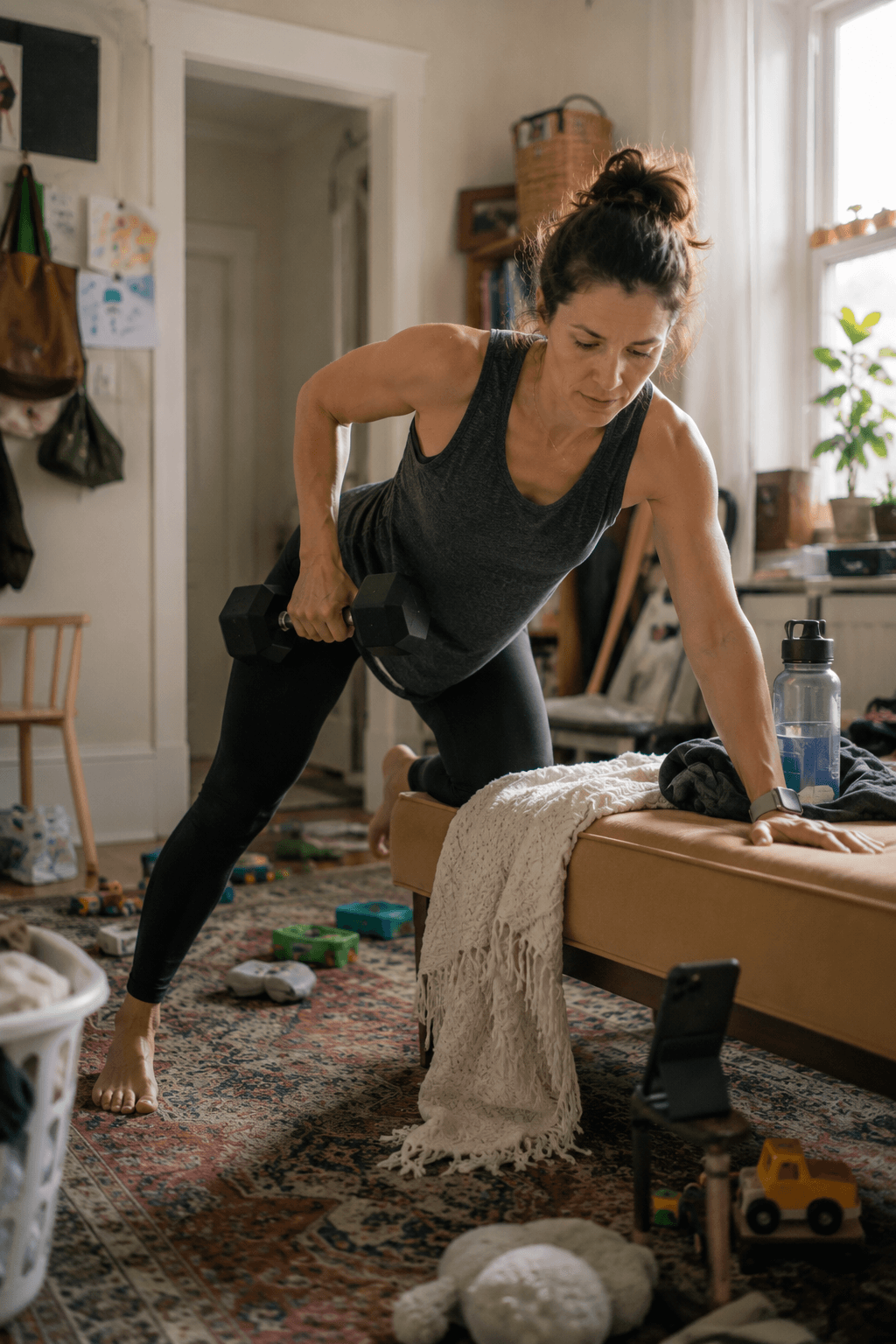
If you are working out around kids at home, prioritize audio guidance, simple transitions, and minimal phone interaction. A living-room workout while a child plays nearby is different from a quiet gym session. The app should not require constant tapping, typing, or watching the screen.
Bottom line
For busy parents, the best workout app is the one that reduces the number of decisions between “I should work out” and “I am working out.” Nike Training Club and Apple Fitness+ are excellent for low-cost, polished libraries of classes. Fitbod is strong for gym-based programming. Peloton is strong for instructor motivation. Future is strong for human accountability. Freeletics is strongest as a broad AI-generated training app with lots of workout variety.
Ray is the best fit when the parents’ real problem is not finding workouts, but making workouts survive a messy life. If you want an app that adapts to short windows, reduces planning fatigue, and coaches you through the session instead of leaving you to manage another task, Ray is the most parent-specific choice.
Related Ray guides
If you are comparing apps because consistency is the real problem, these related guides go deeper on the adjacent decisions.
- How to build a workout routine that actually sticks
- Why you keep quitting your workout program
- The best workout accountability apps
- Best voice-guided workout apps
- Ray vs Fitbod
- Ray vs Future
FAQ
What is the best workout app for parents with only 20 minutes?
The best choice is usually the app that removes planning, starts quickly, and can adapt to the equipment and time you have. For some parents that means a short video class; for others it means a guided plan that tells them exactly what to do next.
Are free workout apps enough for busy parents?
Free apps can be enough if you already know what kind of workout to choose and mainly need a library. Paid coaching or adaptive apps are more useful when the hard part is deciding, restarting, or adjusting around interruptions.
Is Ray better than a video class app for parents?
Ray is better when you want low-decision, coached workouts that can fit short windows. A video class app is better if you want instructor-led classes, music, and a large library to browse.
How do I get started with Ray?
The easiest starting point is the Try Ray free for 1 week. It asks about your schedule, goals, and equipment so the first workout is less generic.